Portfolio
Your bot securely manages multiple centralized Solana wallets, giving you flexibility and control over your assets.
Managing Multiple Wallets
-
Access Wallet Management
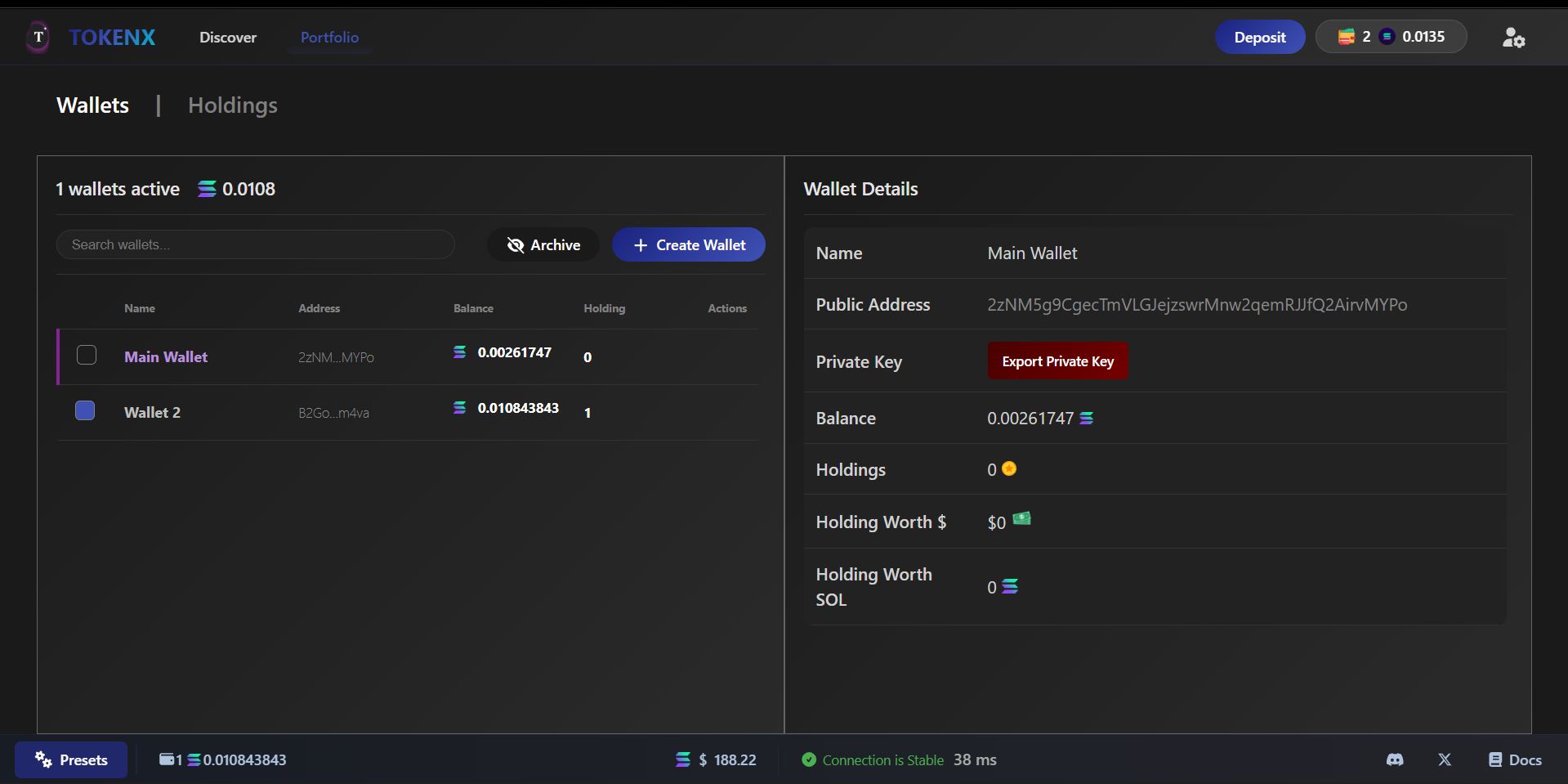
- Navigate to the Wallet section in your bot dashboard to view and manage all connected wallets.
- First go on Portfolio From home Page
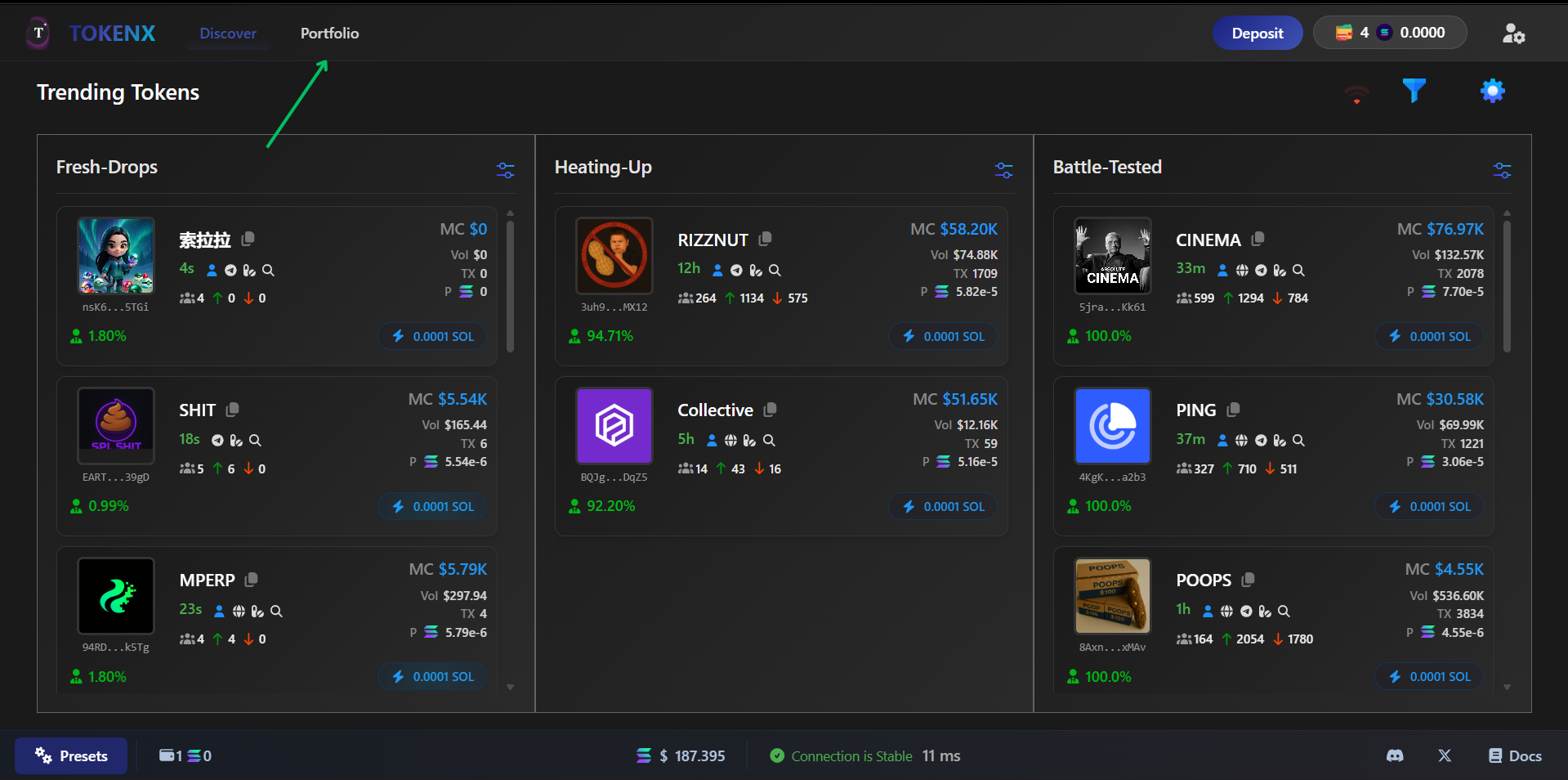
- After this it move to portfolio section and have Wallets section in it
-
Wallet Essentials
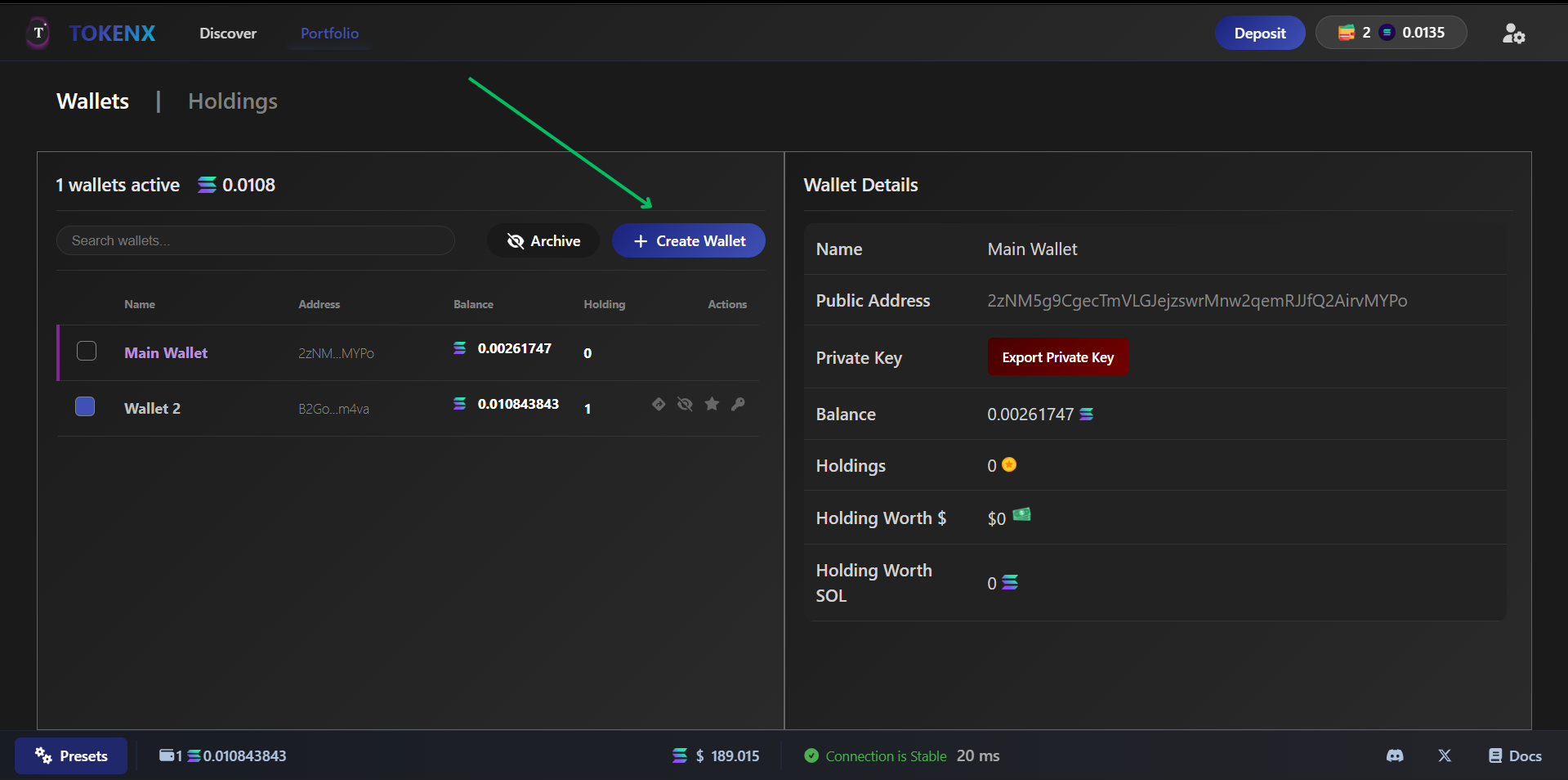
- Click "Create Wallet" and create your Solana wallet details.
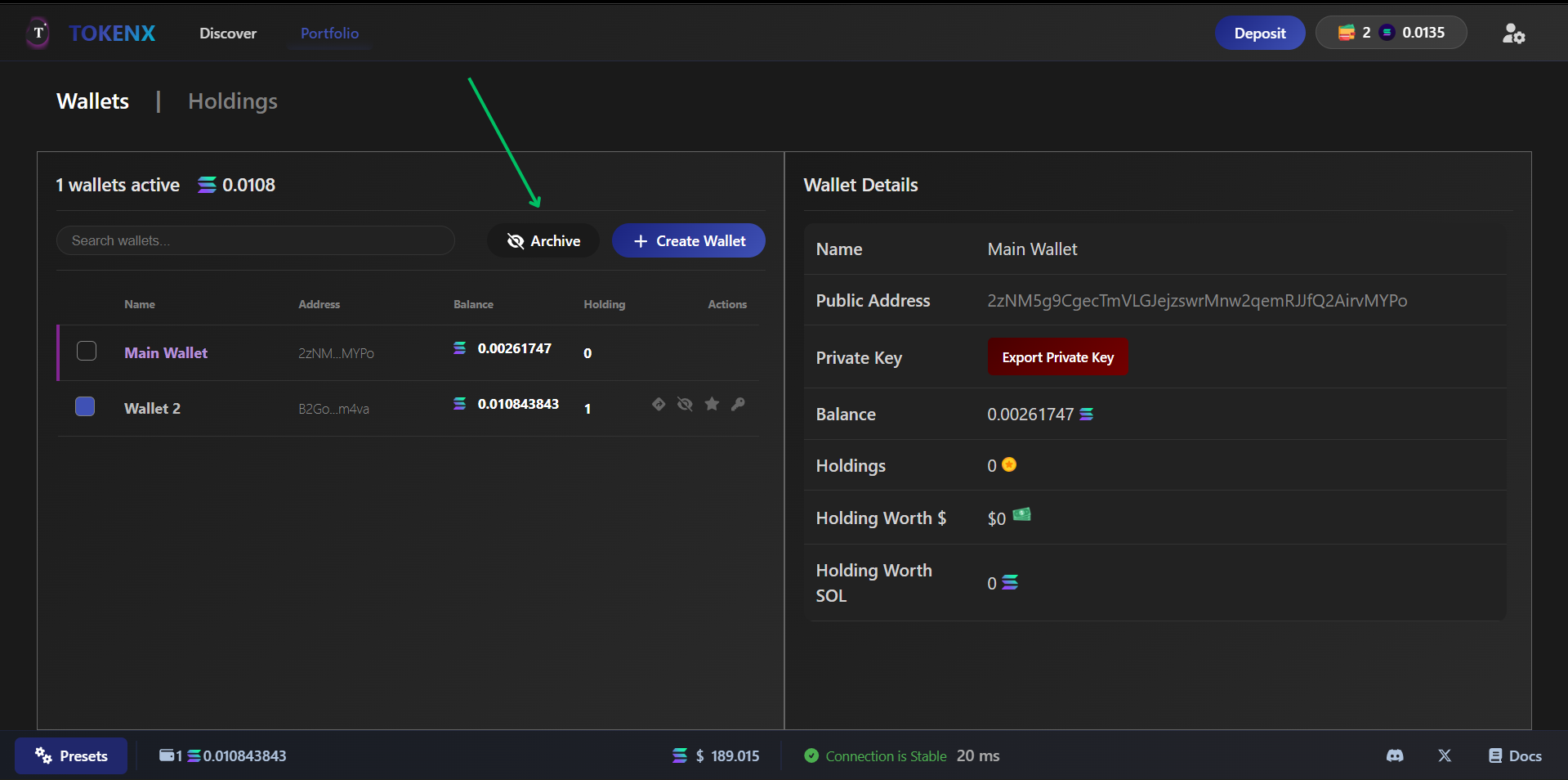
- Click "Archive Button" to see the arcvhied wallet user can archive.
- Action
- Action column have some usefull perks it includes
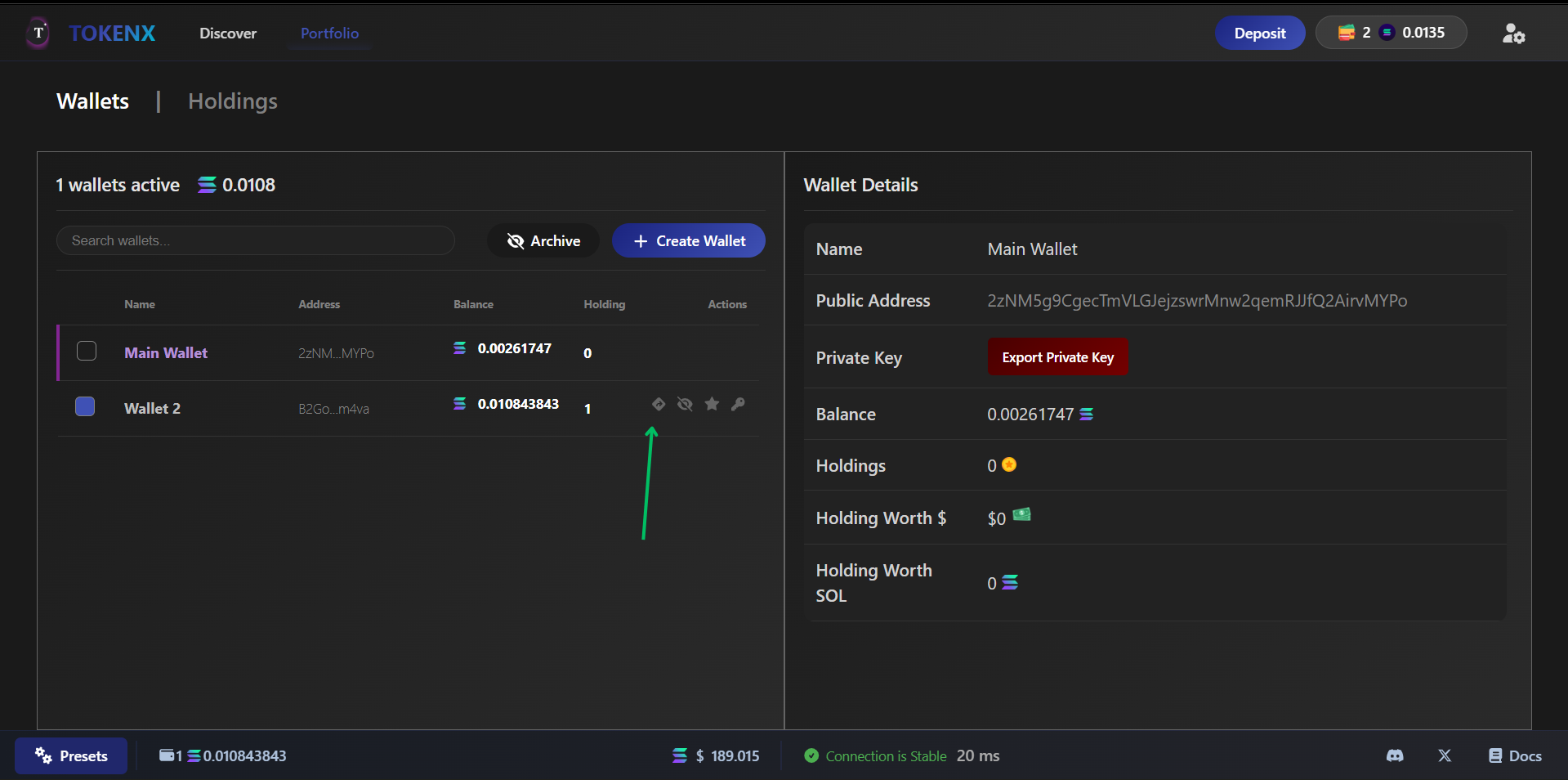
- Click "Arrow" icon to see the wallet details directly on SolScan.
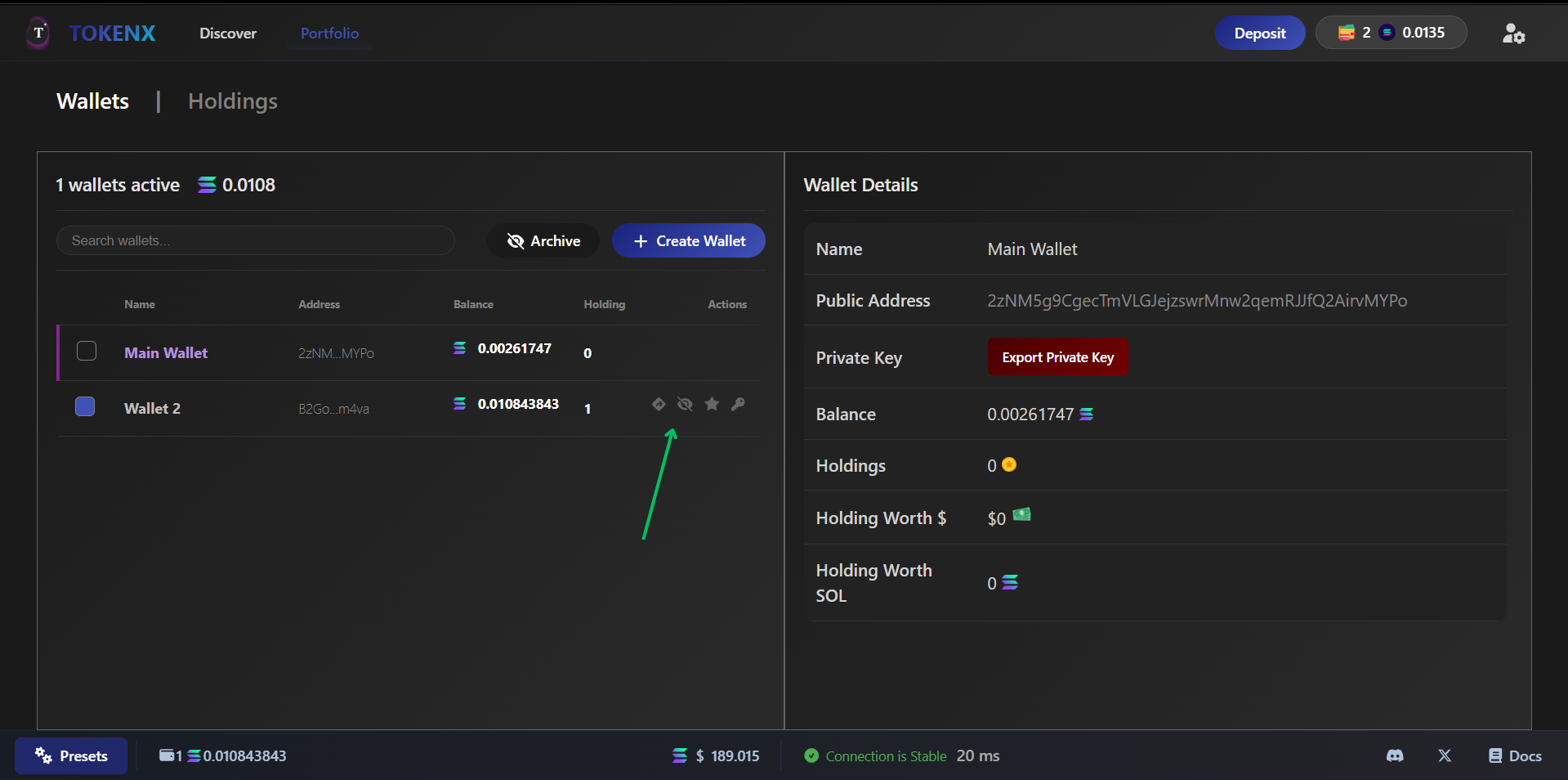
- Click "Eye Slash Icon" to archive the wallet when wallet is archived it the delete button will show in archived mode of that prticular wallet.
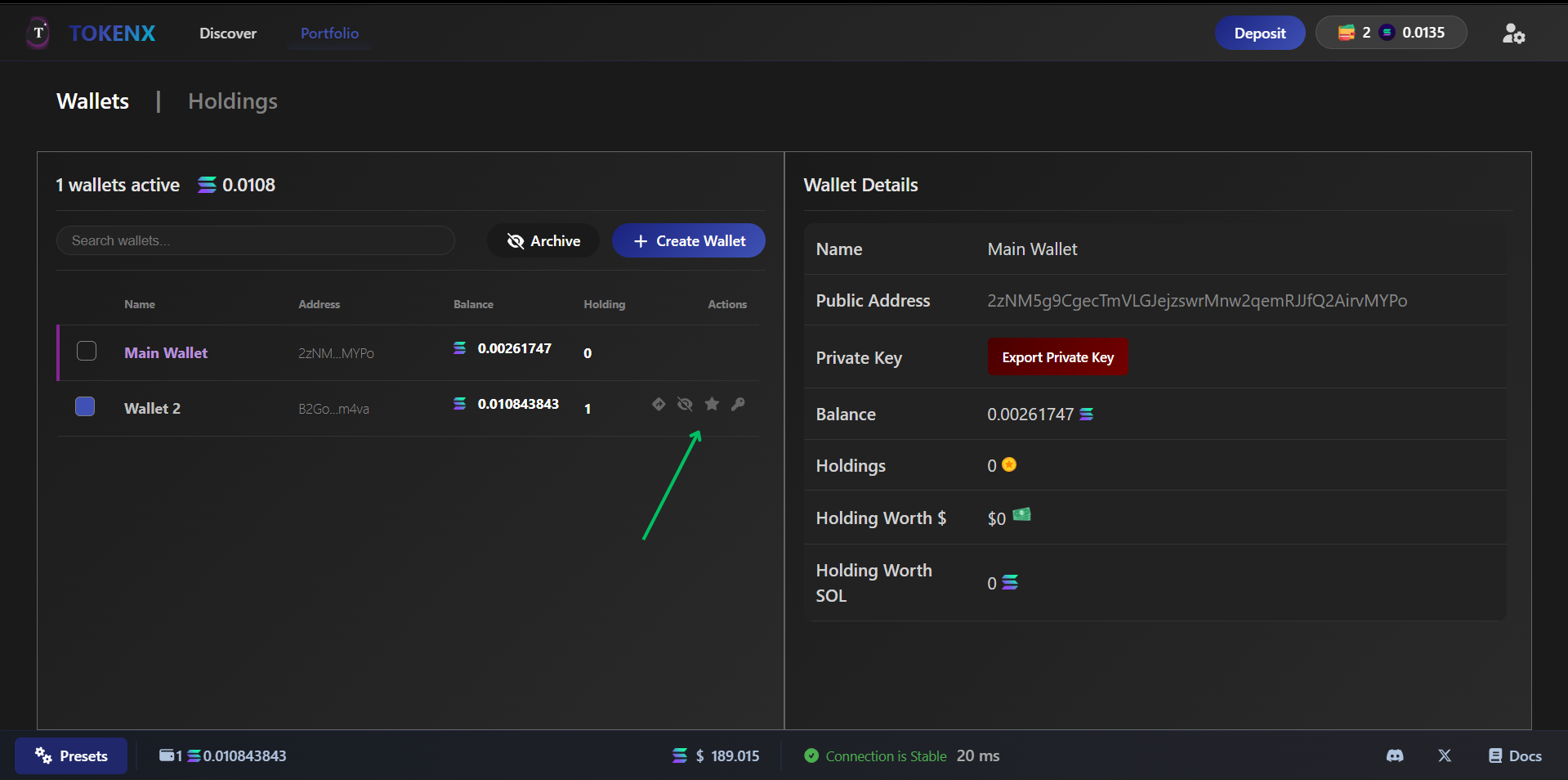
- Click the "Star" to change the primary wallet into secondary wallet
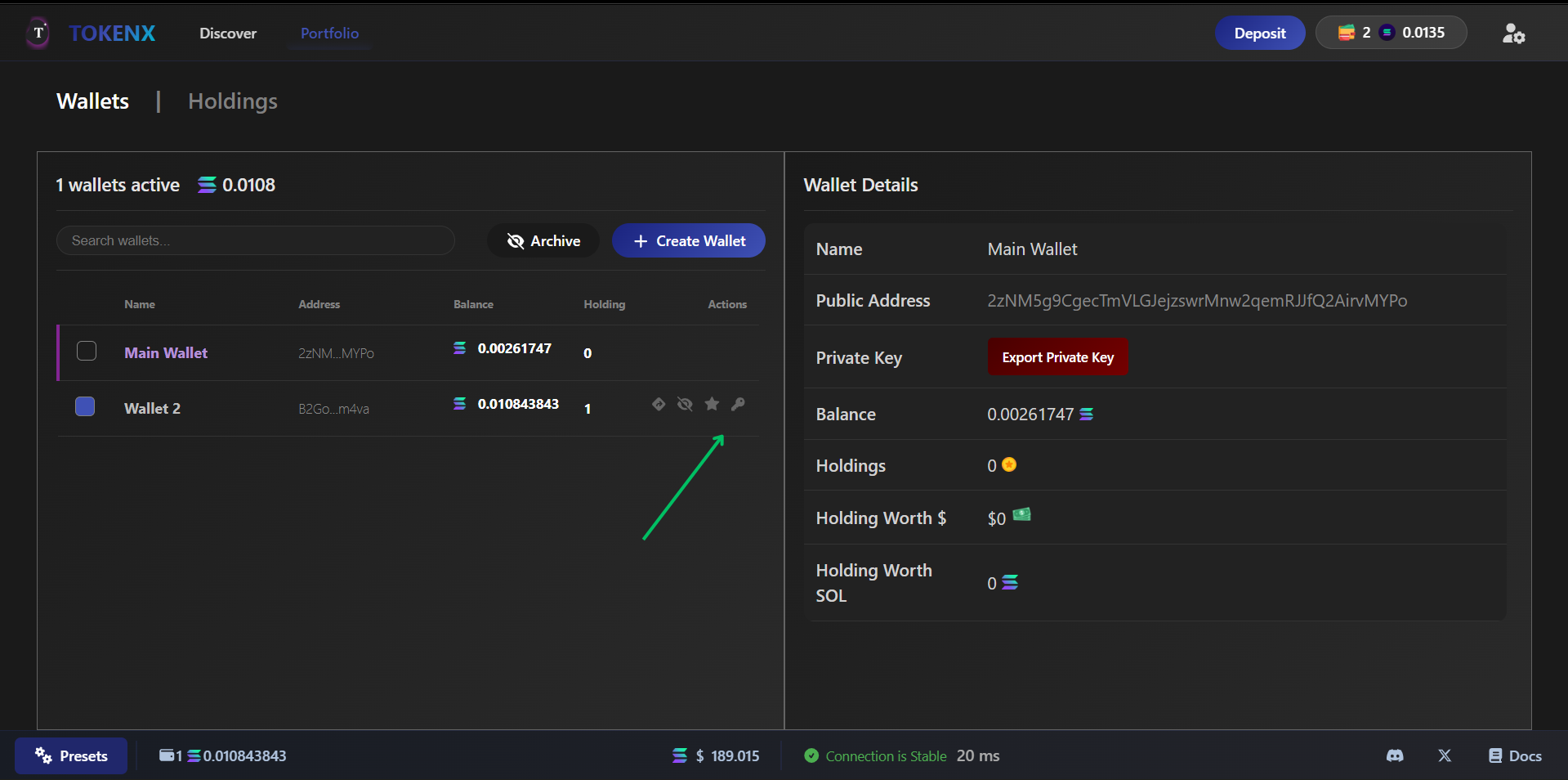
- Click "Key" Icon to see the details of particular wallet
-
Switch Between Wallets
- Select from your list of centralized Solana wallets to switch active wallet for transactions.
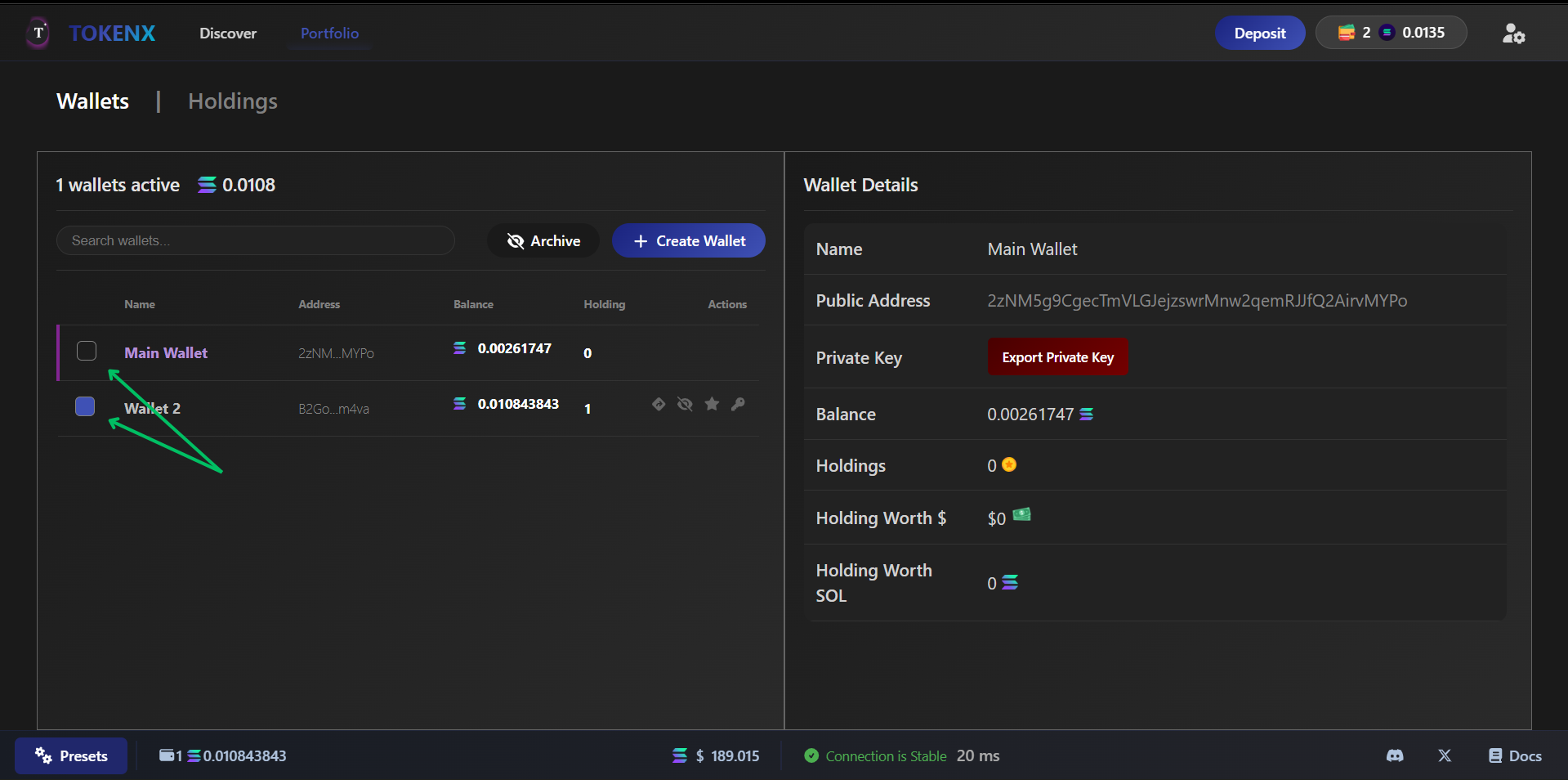
-
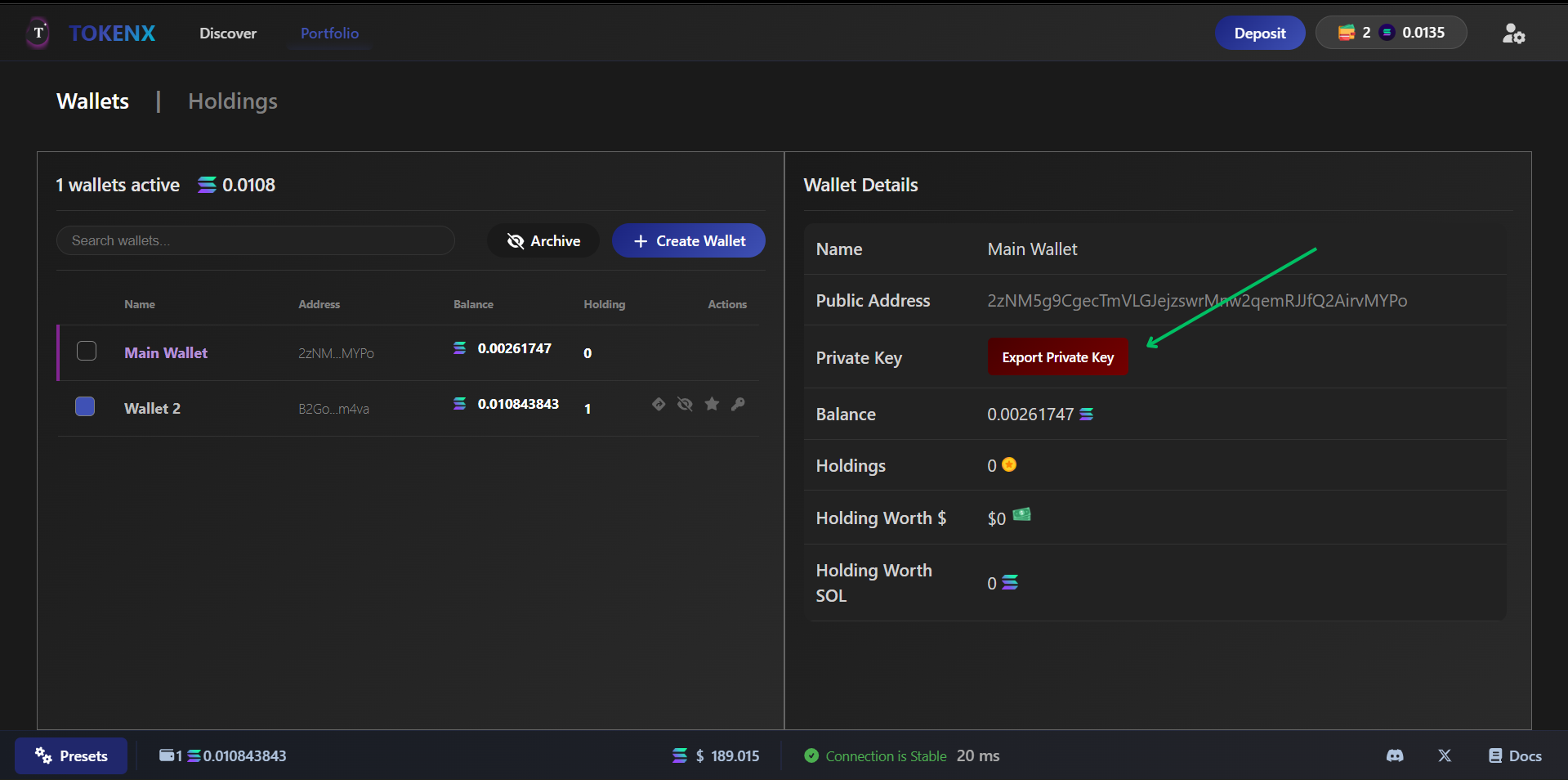
Export Private Key
- For advanced users, export the private key of any wallet for backup or use in other applications.
-
Monitor All Wallets
- Track balances, transactions, and performance across all your Solana wallets in one centralized view.
warning
Managing multiple wallets increases security risks use strong passwords, enable 2FA, and never share private keys. Unauthorized access can lead to total loss of funds! 🚨