Manual Sell Crypto
Learn how to sell cryptocurrency using TokenX.
Effortlessly sell your tokens on TokenX with flexible options powered.
Sell Process
-
Types of Sell
- TokenX offers two ways to sell your tokens:
- Manual Sell
- Select the token enter the amount, and initiate the sale.
- Auto Sell
- Set up automated sales based on predefined conditions (e.g., target price or schedule).
- Manual Sell
- TokenX offers two ways to sell your tokens:
-
Access the Holdings
- Navigate to the Sell section from clicking portfolio on navbar.
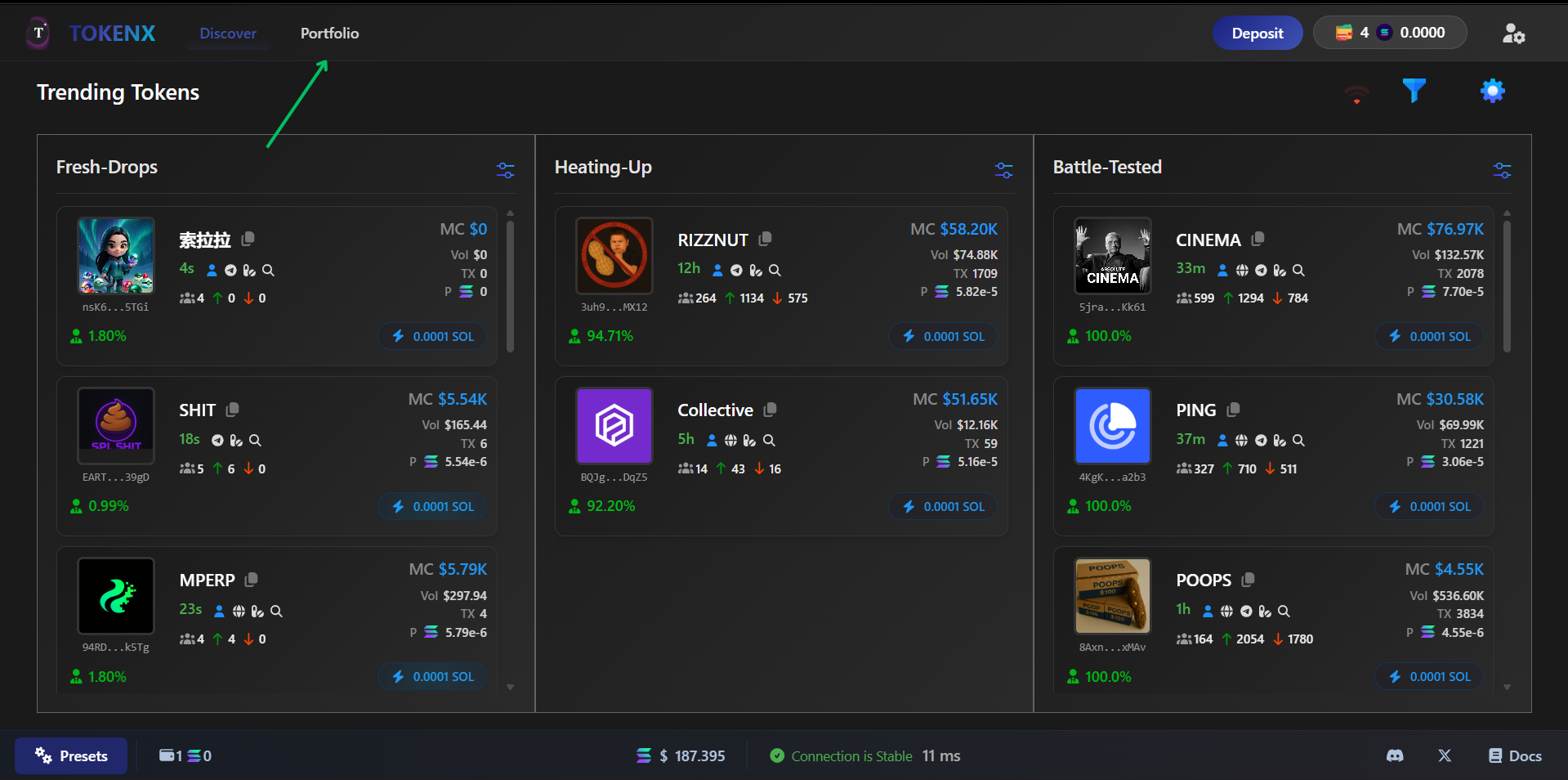
- After this it move to portfolio section and have holdings button in it
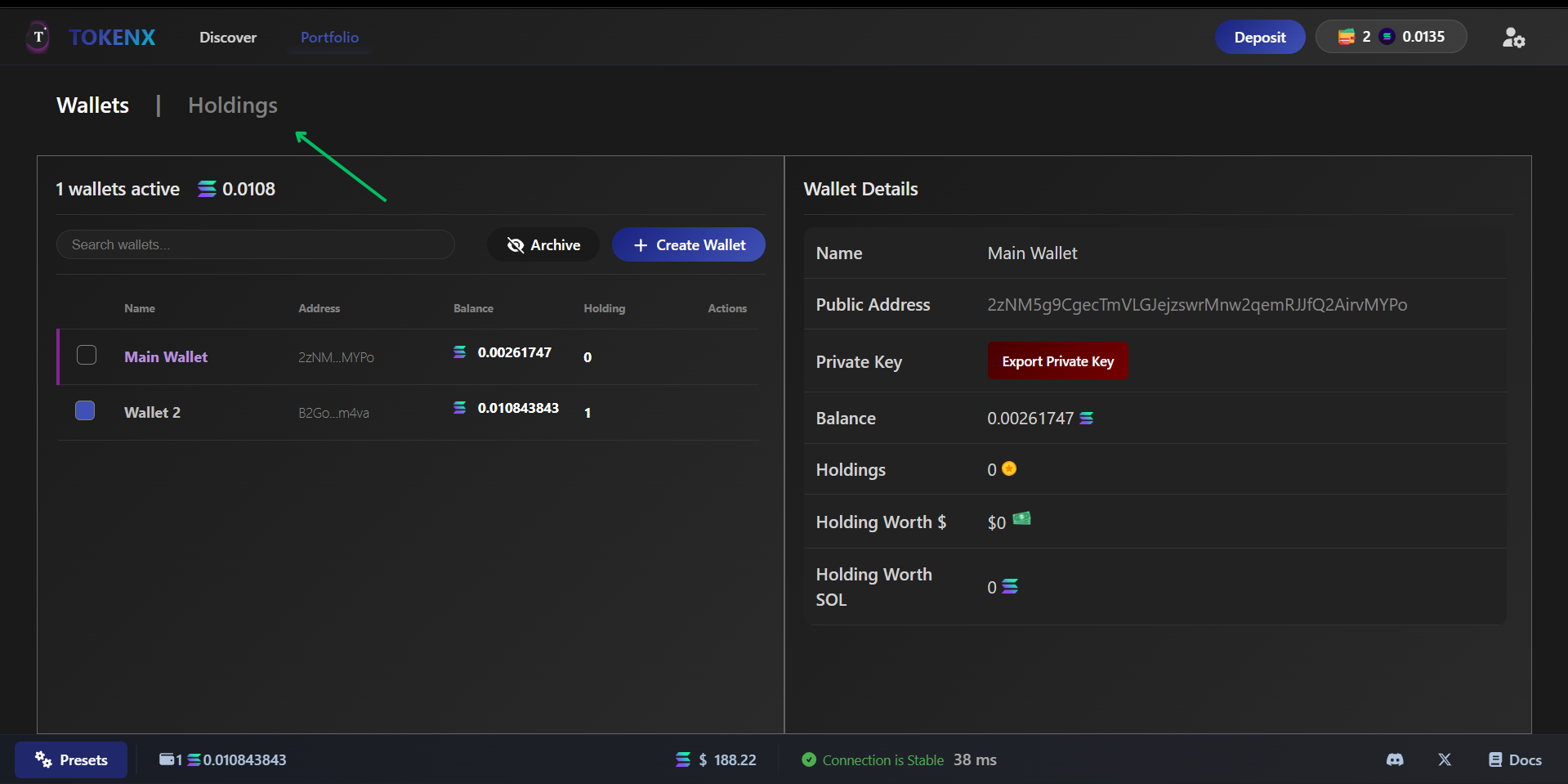
- It open the panel where user find all the tokens which is buyed by user
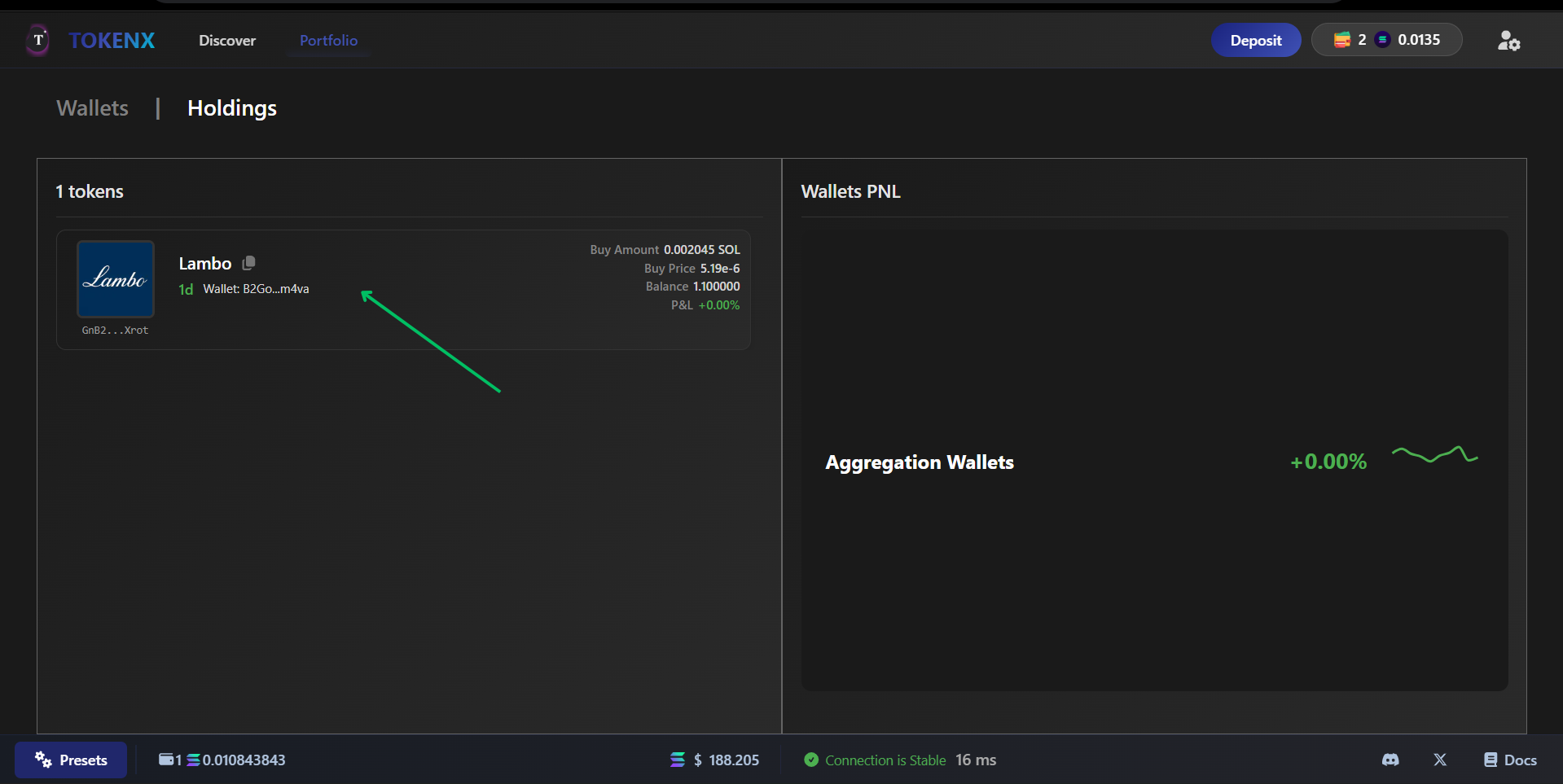
-
Initiate Manual Sell
- Clicking the tokens in holding want to sell locate into the other token detail page and user see buy sell table pressing sell to enter sell section
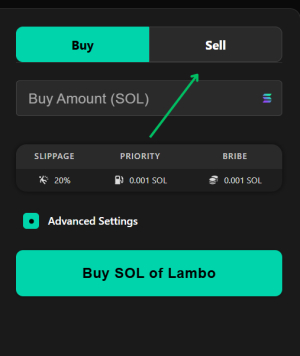
- After Pressing this Sell tab App move on to Sell section
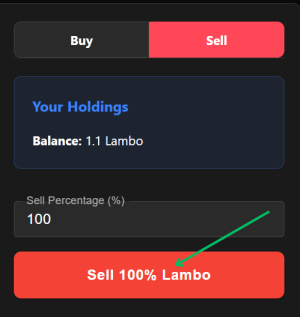
- Manual sell Section Have 3 main things
- Holding
- These are the holding or amount of token user have in wallet
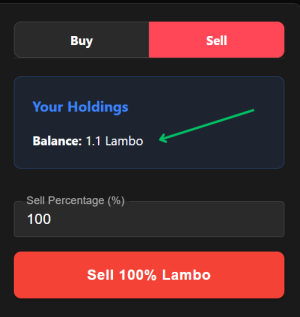
- Sell Percentage%
- This is a input field where user enter amount of % sell the token
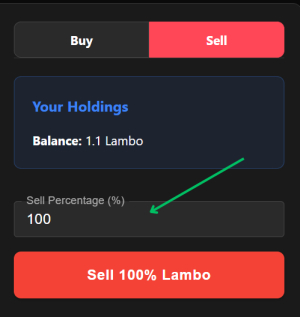
-
Presets
- Presets have Slippage, Bribe, Priority and other relvant fees user can adjust these our own prefrences
- User can get this the button on bottom left corner
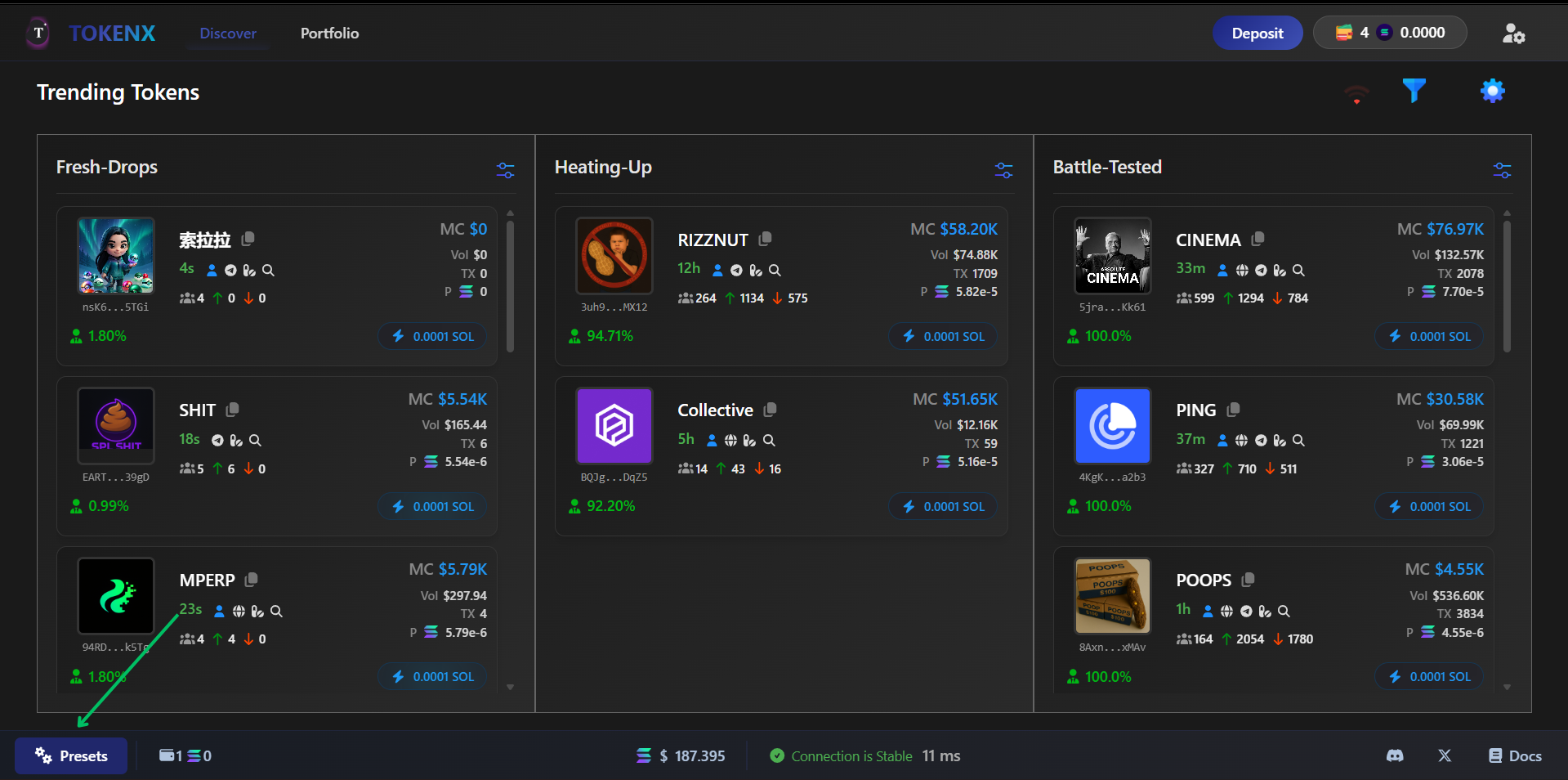
- After clicking this it open up the preset module
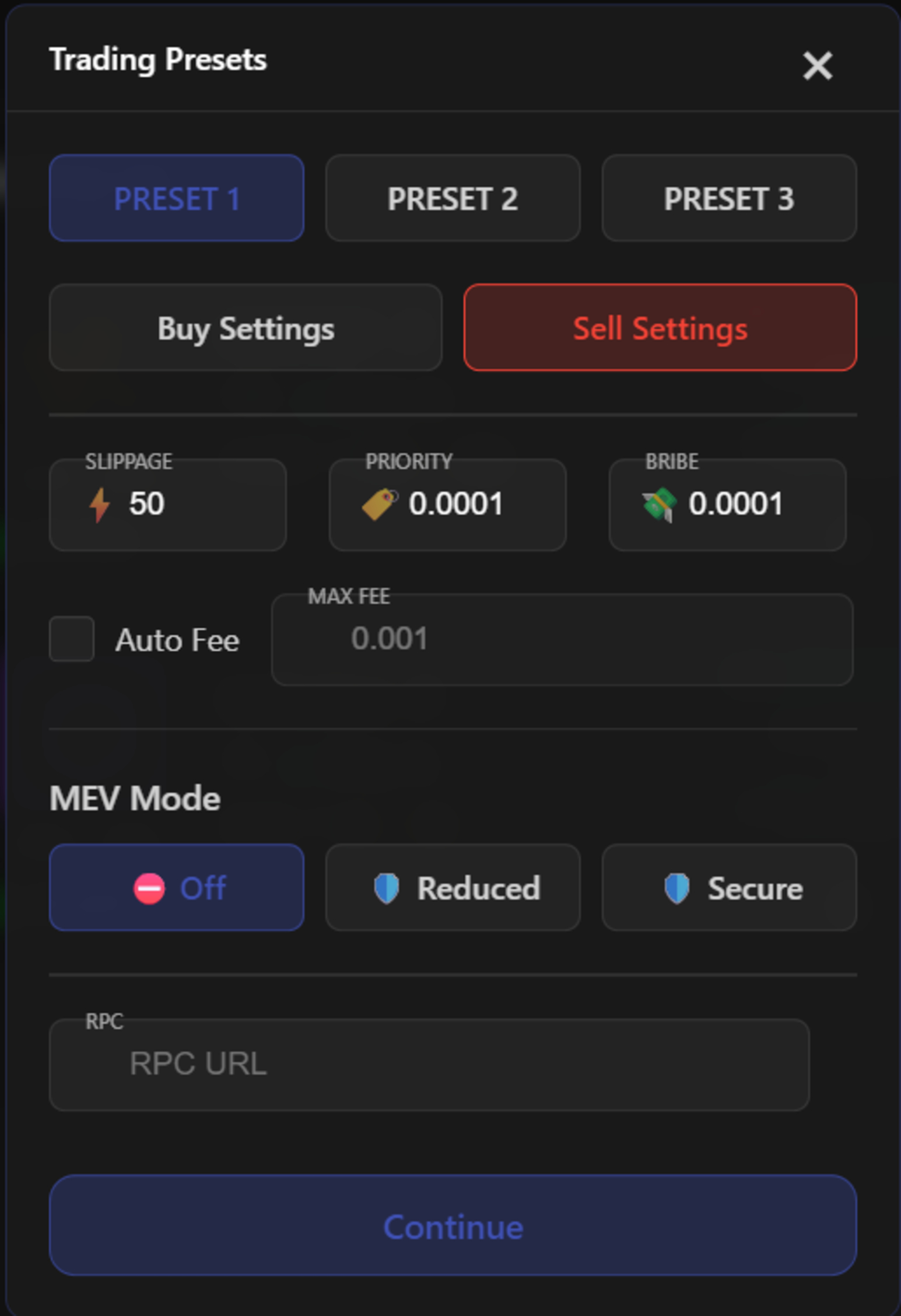
- Every user have three sell preset and these preset switch from anywhere user wants
-
Confirm Your Sale
- Review your sell order details and click "Confirm" to execute the transaction.
-
Monitor Your Portfolio
- Track your sold tokens and updated balance in the TokenX wallet or dashboard.
warning
Crypto markets are highly volatile—selling at the wrong time or overtrading can lead to significant losses. Be aware of the 0.01% transaction fee! 🚨