Auto Buy Crypto
Learn how to buy cryptocurrency using TokenX.
Buy Process
-
Types of Buy
- TokenX gives you 2 types of buy:
- Manual Buy
- Auto Buy
- TokenX gives you 2 types of buy:
-
Auto Buy
- Auto Buy gives you instant buy transaction with bot and filter by user prefrences
- Click on Setting Icon
- Click on setting icon on the home page top right corner
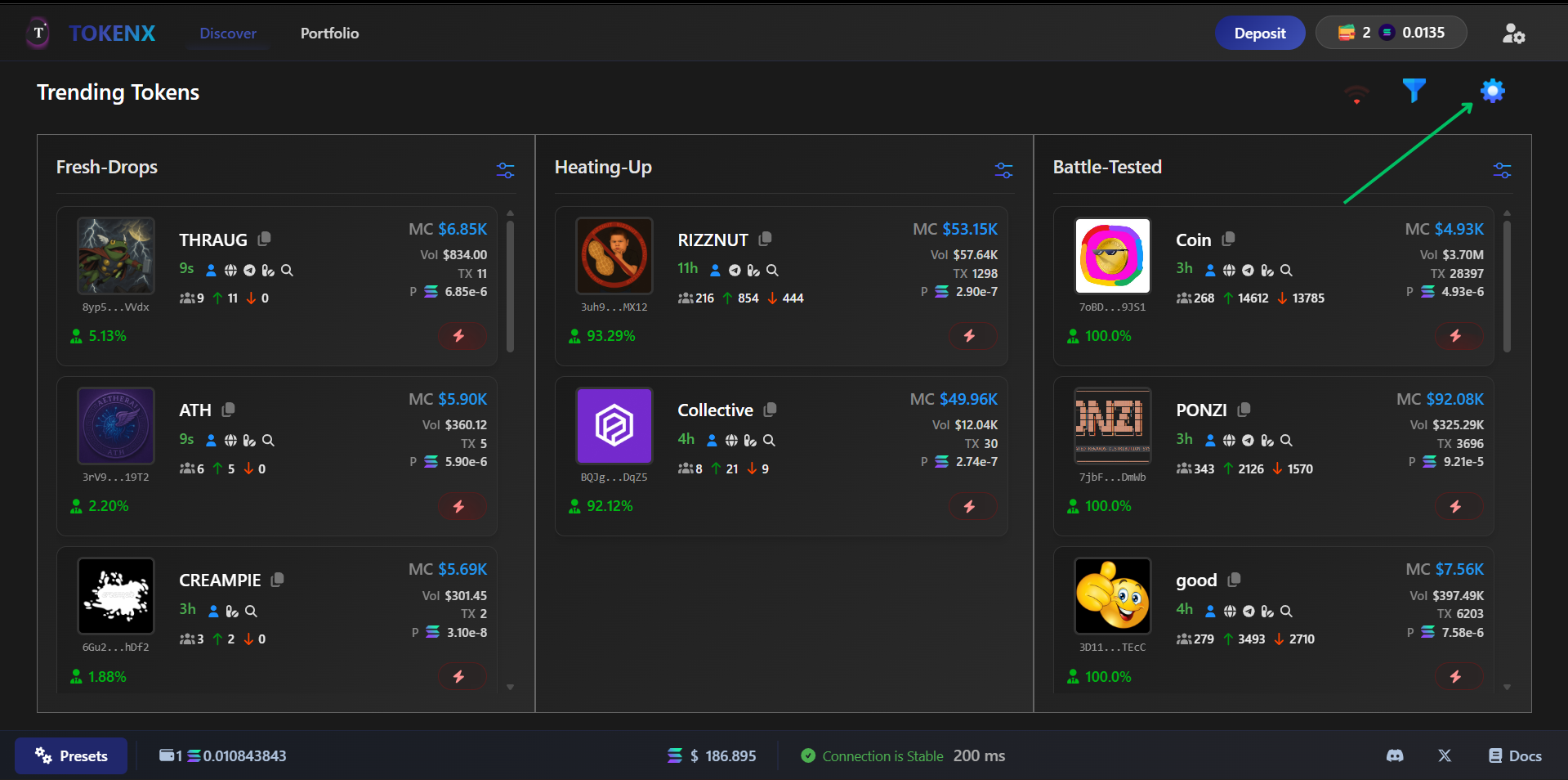
- After Clicking Opened a panel which has two module Auto Buy and Manual Buy
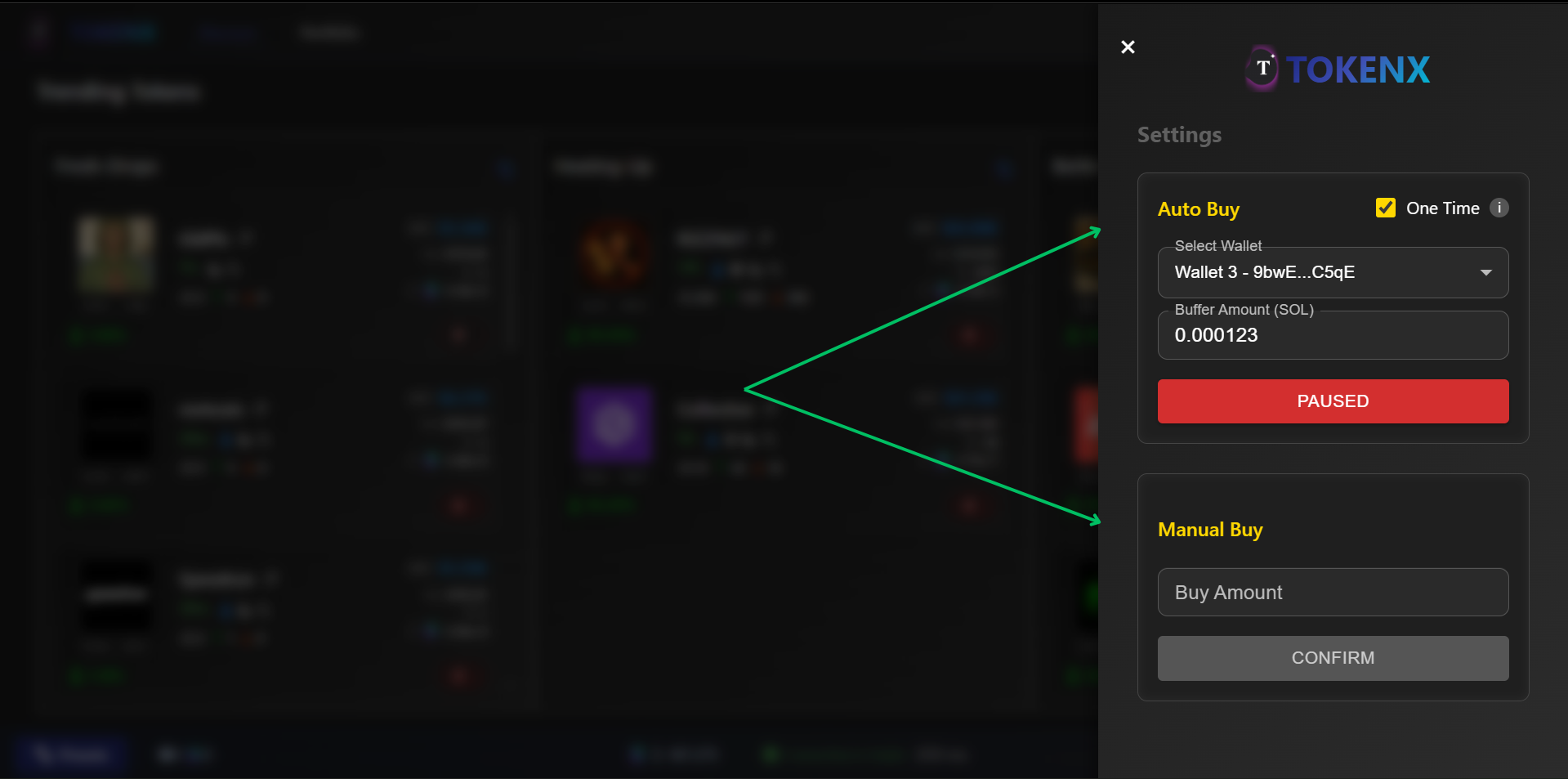
- Auto Buy Module
- This module is for auto buy transaction
- Auto Buy module have total four things get to know
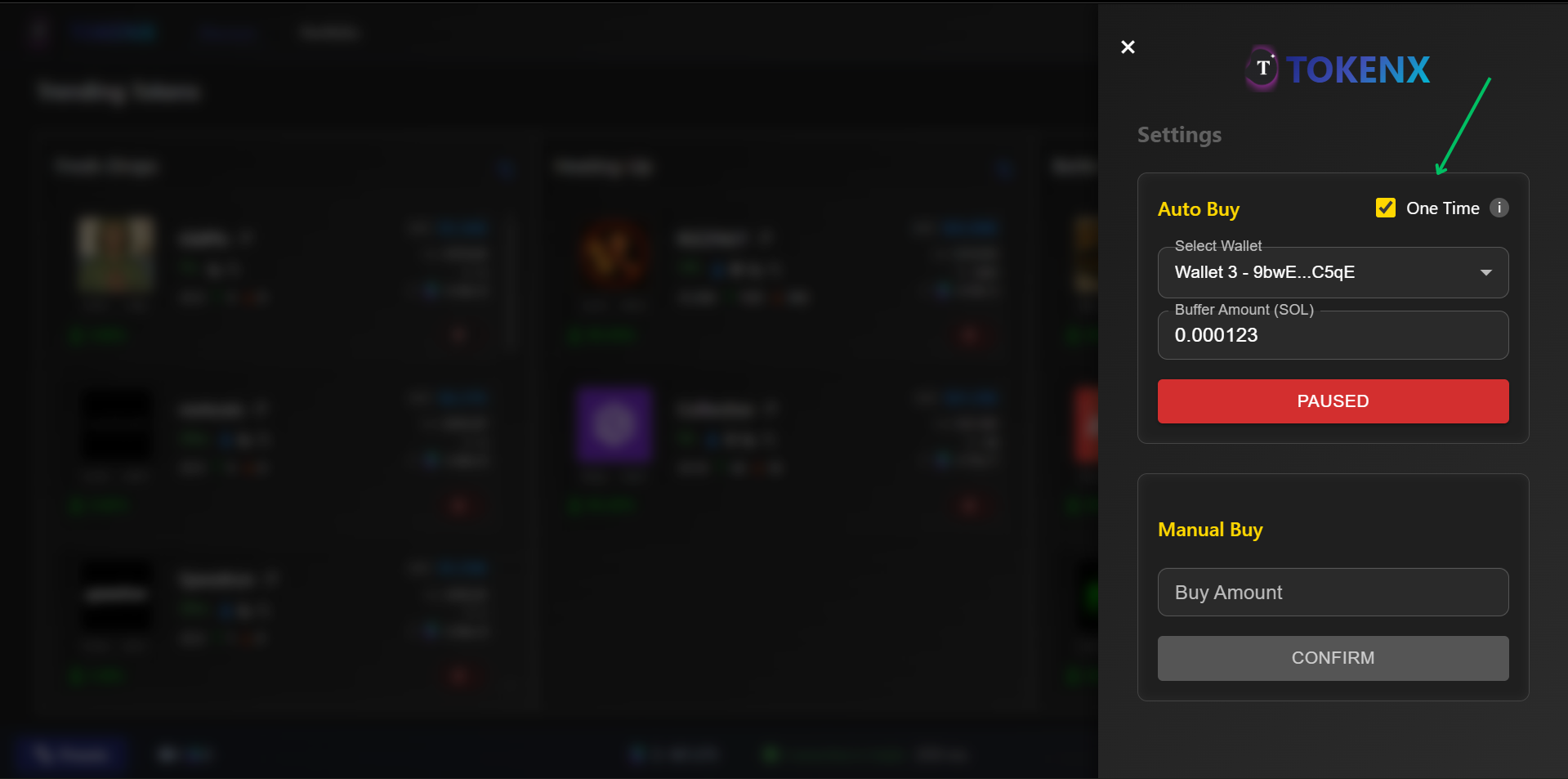
- One Time Check box this is used for only one time bot can buy token and after this automaticaly disbale auto buy
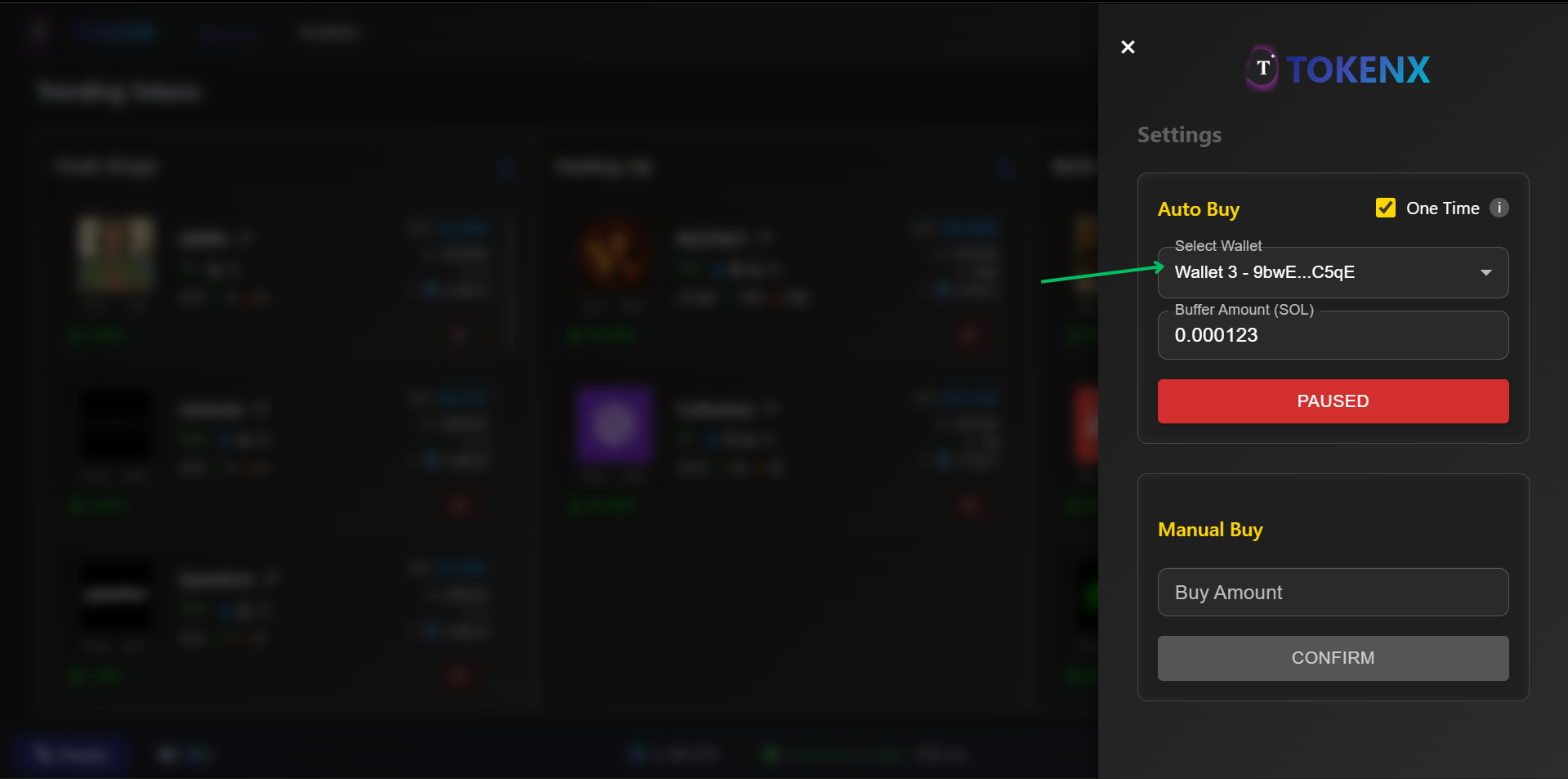
- Wallet dropdown in which user select wallet for auto buy any token
- Amount Input field this field is used to enter amount user want to buy token with that amount
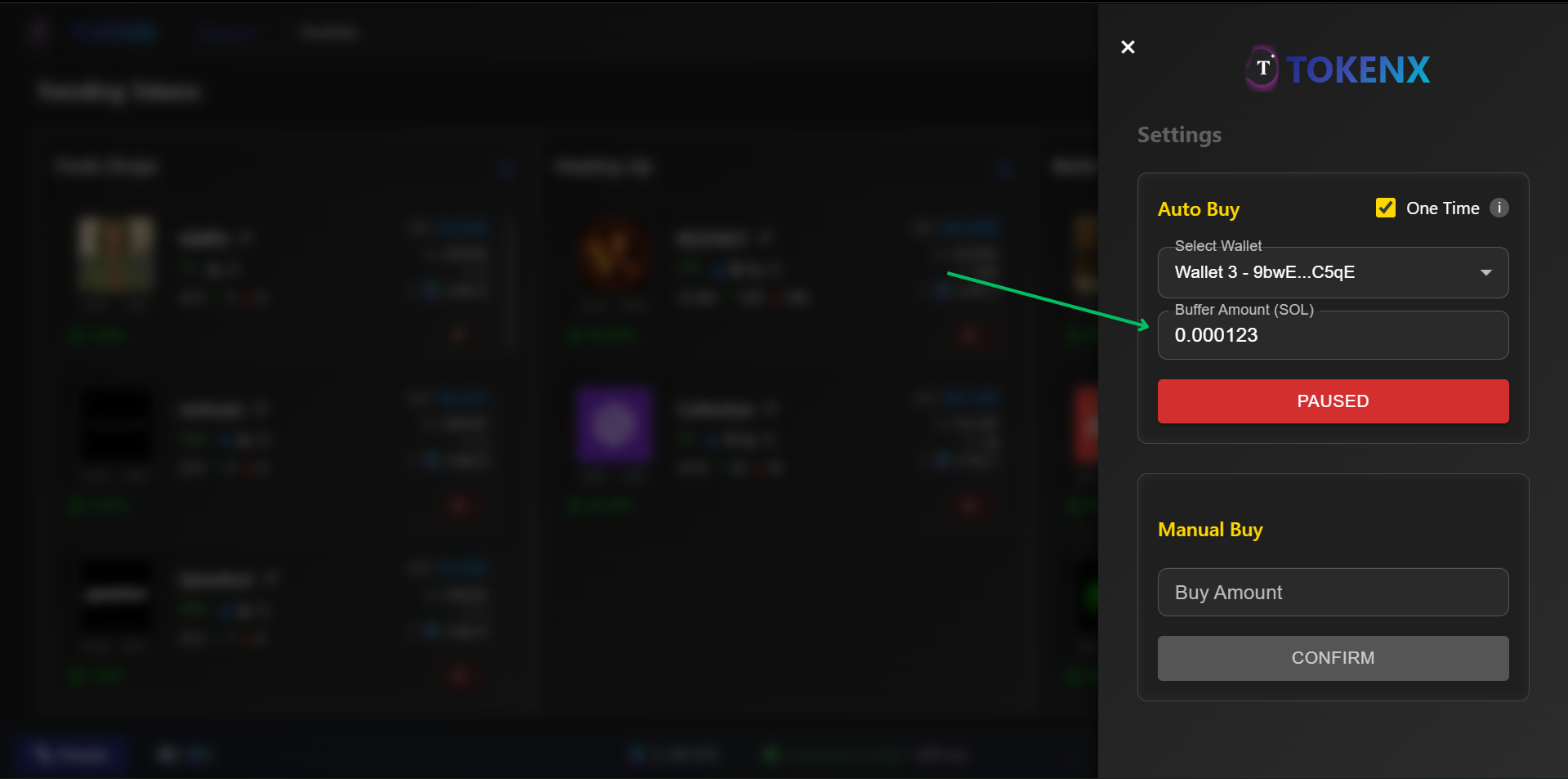
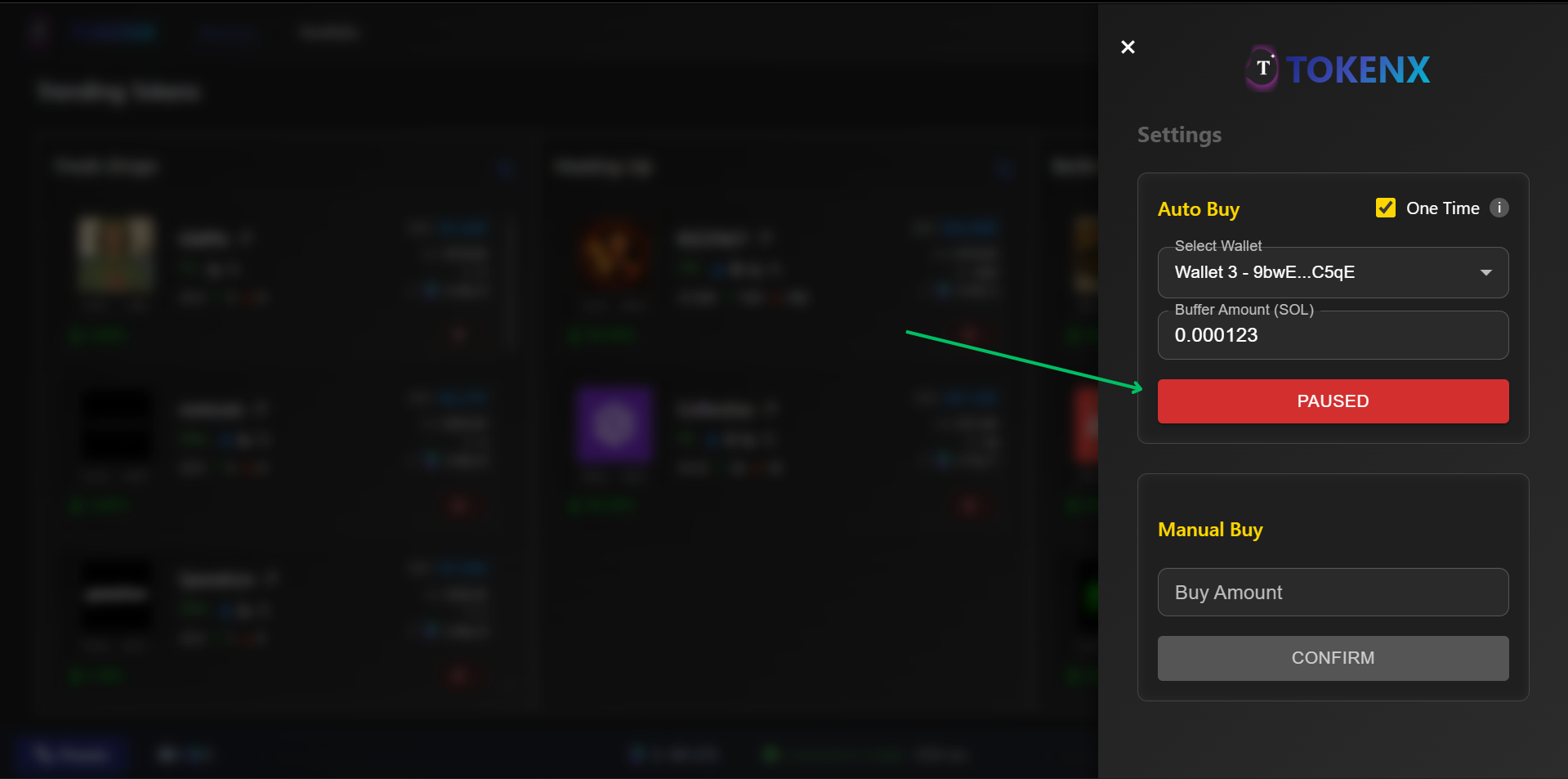
- Paused Start button which is used for start or paused auto buy bot manually
- Indicator
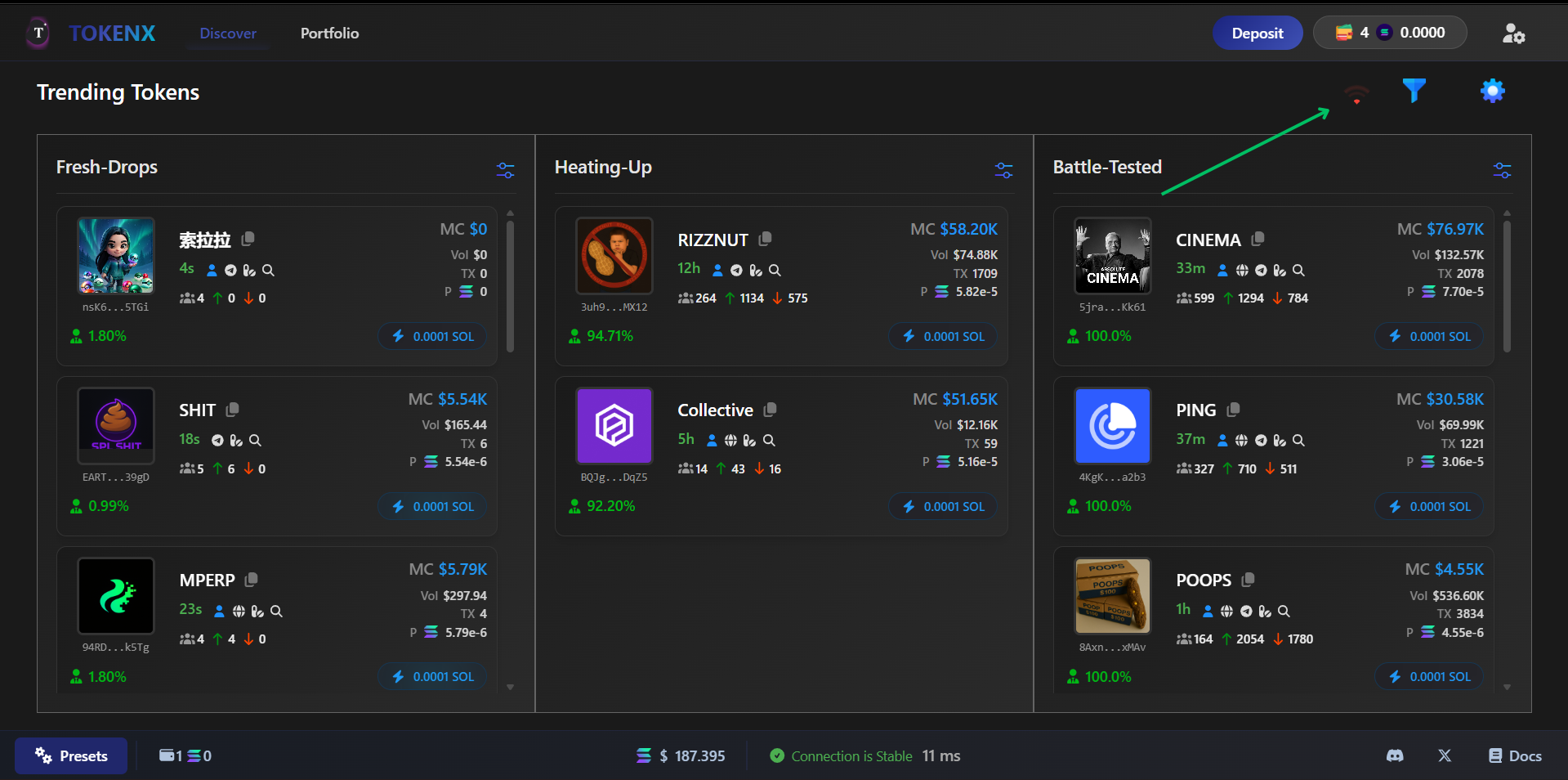
- Above Indicator in red show that auto buy is disable and green indicate that auto buy is enable
- Auto Buy gives you instant buy transaction with bot and filter by user prefrences
-
Filters
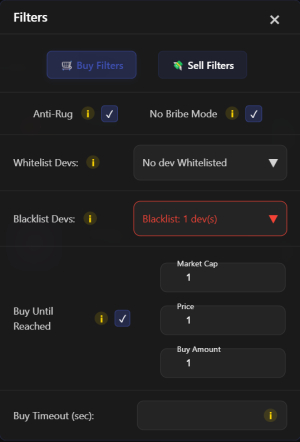
- Bot Buy the token on filter which is adjusted by user by every user prefrences
- User can get the filter by locate the filter icon on home page
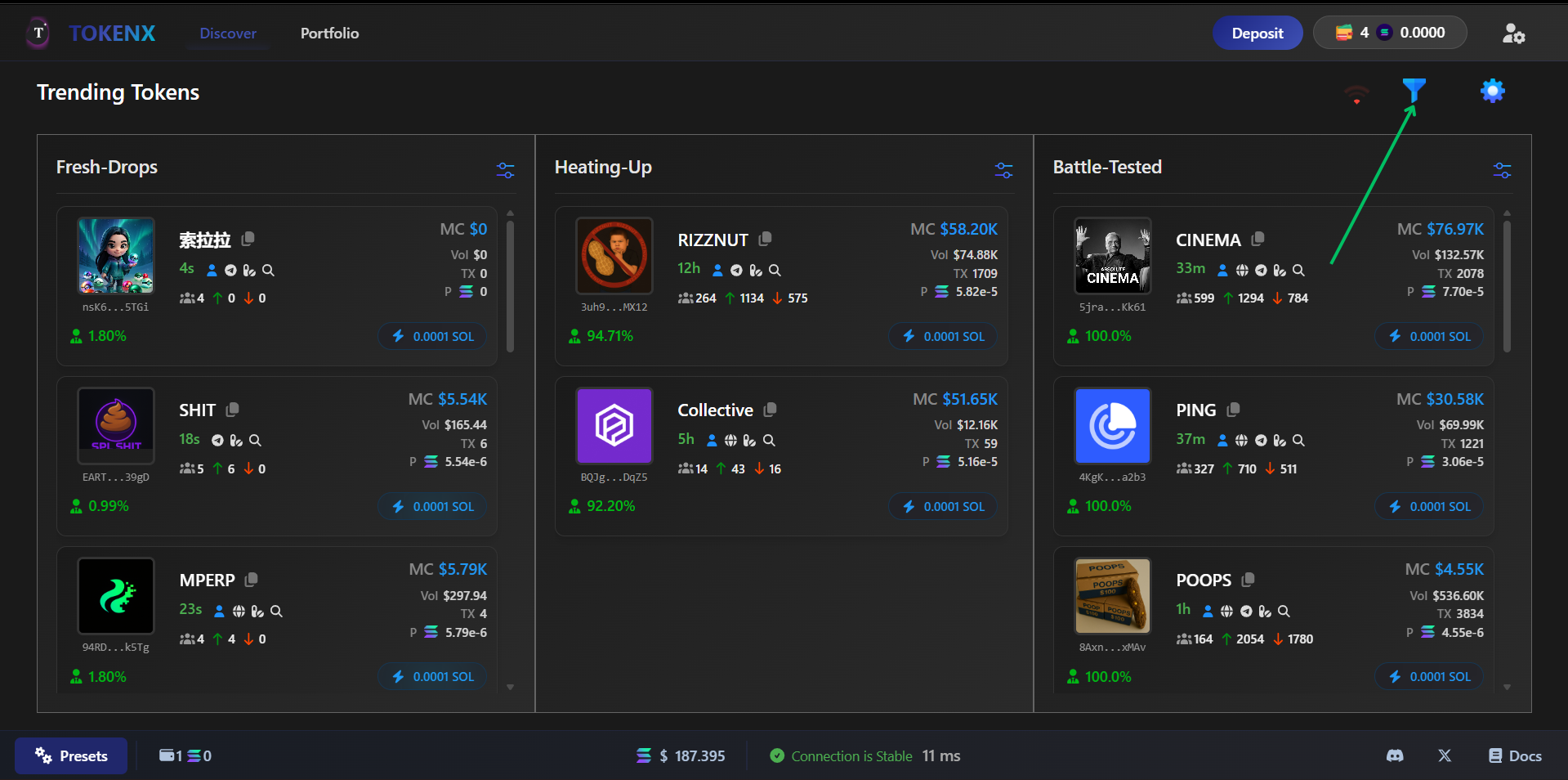
- By clicking this filter icon show all the filter is used by bot and adjusted by user
-
Presets
- Presets have Slippage, Bribe, Priority and other relvant fees user can adjust these our own prefrences
- User can get this the button on bottom left corner
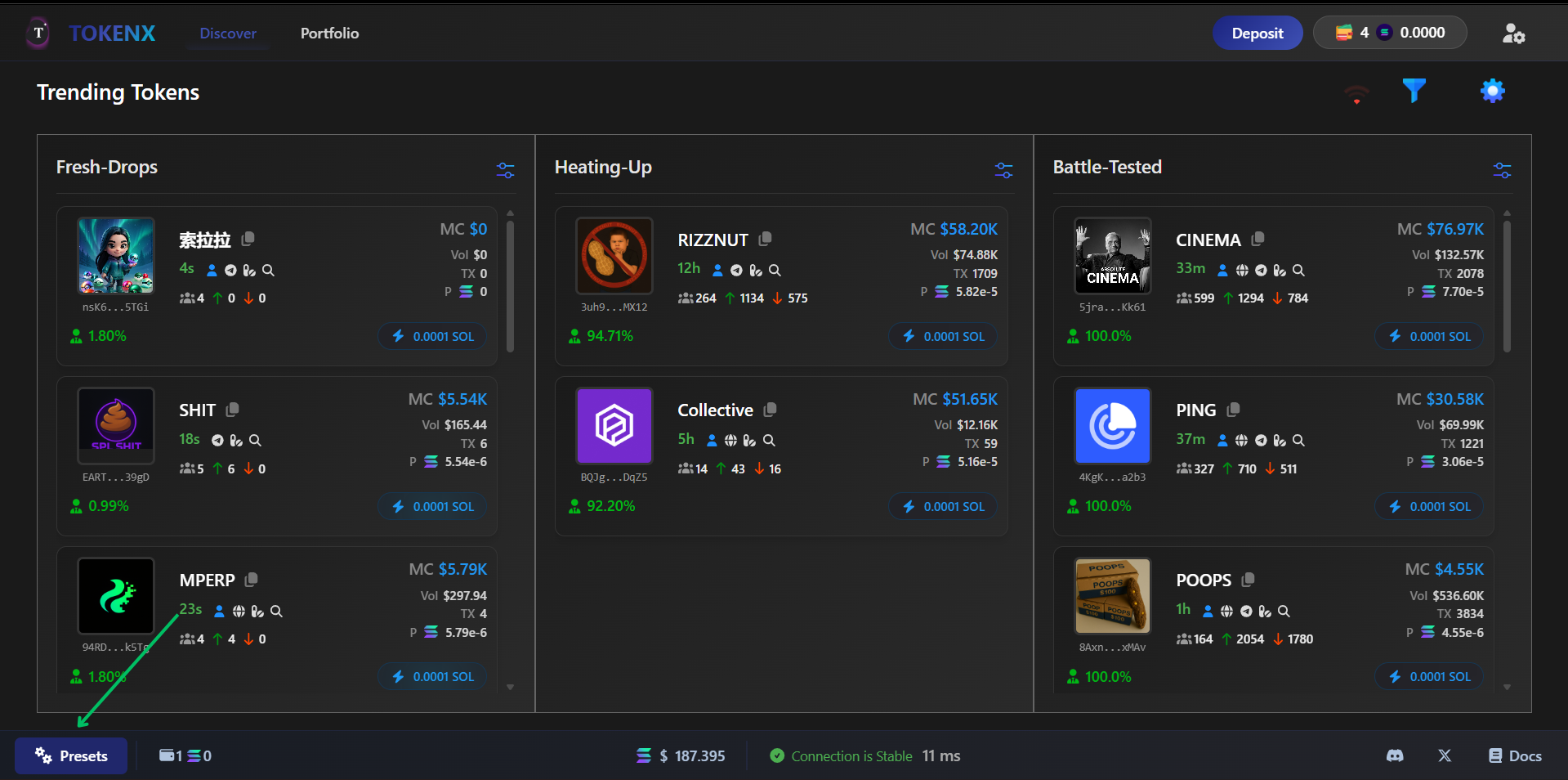
- After clicking this it open up the preset module
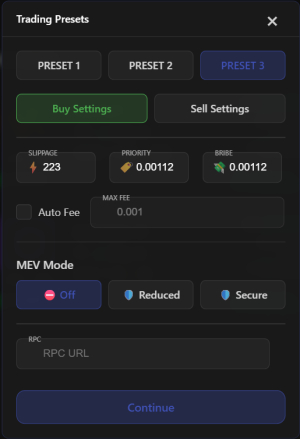
- Every user have three buy preset and these preset switch from anywhere user wants
-
Start Trading
- Now powered users can trade on TokenX with up to 50x leverage. TokenX takes a 0.001% fee per transaction while trading on our platform.
warning
Leverage amplifies both gains and losses—many traders lose everything by overleveraging in volatile markets. Trade responsibly! 🚨